Every change to the game, by date, in plain words. Castle Arena is still in development: all of these are development builds of version 0.1.0.
Oct 06 2026
New models, a new soundtrack, and faster marching
v0.1.0
What's new
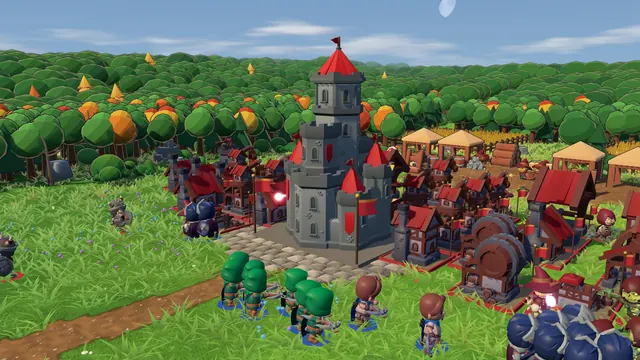
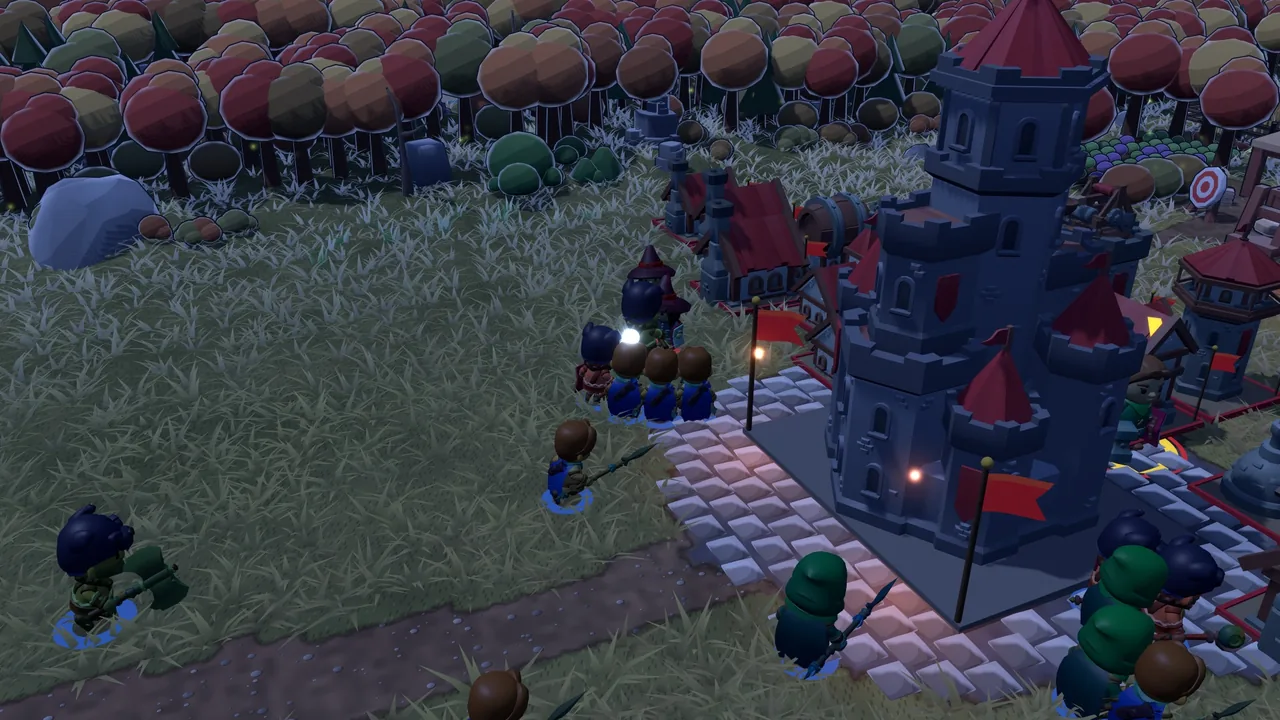
New troop models. The Crown, the Gear Guild and the Horde riders, plus the three elf factions (the Sun Court, the Moon Sentinels and the Ancient Grove) and the spiders, have new 3D models, each faction with its own look.
New buildings. Humans, elves, orcs and the undead now have their own 3D buildings, which grow through the evolution chain. Factions of the same race are told apart by the tint of their buildings.
Damaged buildings show it. Below 60% health a building smokes, below 30% it burns. The castle falls in flames and smoke.
More magic on screen. New magic circles, frost, healing and impact effects on summons, mana links, frost nova and boulders.
Battle music. The menu and the matches have new tracks; in battle, several tracks rotate with a smooth crossfade. There is an option for it in Settings.
More sound. Sword, bow and spell hits, gates, doors and mining on construction and destruction, forest and sea ambience, and death voices for humans and monsters.
A voice for the herald. Castle under attack, building lost, building destroyed and the castle at low health are now spoken warnings (in English); the subtitles match.
Save a single-player match and continue it later from the main menu.
Troops and workers walk 1.5x faster. Only the march is quicker; fights, spawns and the clock keep their pace, so balance is untouched.
Online desyncs leave a trail. If a match goes out of sync, both players now get a saved replay of it, even with "Save replays" off, so the cause can be found.
A loading card also shows when the game first loads.
Oct 04 2026
A tournament against the AIs, a loading card, and more comforts
v0.1.0
What's new
Tournament. In the main menu, a knockout of 4 or 8 entrants: you and AIs, each with a different faction. Every tie is a real match, best of 1 or best of 3, and you pick the AI level and the arena (random every match or the one from setup). The ties you are not in are played out by the AIs, with no waiting on your side.
If you go out, you can watch the next tie or simulate the rest. Forfeiting mid-tie knocks you out; closing the game resumes the tournament where you left it. The tournament screen also keeps count of how many you played and won.
Loading card. When a battle starts, the screen fades to dark and shows the arena, a line from one of your faction's troops (the AI's stays hidden) and a tip. The keys in the tips follow what you set in Options.
Half speed (½x) outside online play, next to 1x, 2x and 4x.
A faction for every seat in team matches against the AI: one selector per ally and per extra enemy, like Castle Fight's pick mode.
Enemy army panel during the match (without fog of war): the armor type that dominates, so you can pick the counter.
Spell-cast gesture: whoever casts an ability now performs a casting gesture.
Oct 04 2026
Advanced Training, a result that explains the match, and more accessibility
v0.1.0
A round focused on understanding each match better and playing more comfortably.
What's new
Training in three tracks. Basics stays the same. Advanced adds four optional lessons: air threat (who can hit flyers), the castle shop, perks, and rally flag and cages, each with steps checked off on screen. In Factions, a short drill with each of the 14, with its strong point and its counter.
The result explains the match: a sentence or two say why it was decided, with the real numbers (counters, income, army size, Rescue, upgrades, buildings destroyed).
Build order on the result screen: what every player built, upgraded and bought, with the time. One click opens the replay at that moment.
Notice history: up to three notices stay on screen at once, and the M key opens every notice of the match, with its time. Alerts take the camera to the spot.
Enemy faction in the pause menu: the opponent's buildings and troops, with stats, abilities and who can hit flyers, without leaving the match.
An Overdrive button at the end of the resource bar, showing the current penalty. Perks that need a key now say which one.
Ping during online matches, next to the menu, for each connection.
Pause on focus loss: against the AI and in Training, switching windows pauses the match.
How to play updated, with flyers, perks, team matches and fog of war.
Accessibility
First-launch setup: language, interface scale, text size, sound captions and team colors on a single screen the first time you play.
Text size separate from the interface scale, up to 150%.
Reduced motion follows your system by default, battle effects included.
Keyboard on the HUD: Tab walks through the buttons and shows the tip of each one.
Shift as a toggle: optionally, one tap turns the build queue on and another turns it off.
Fixes
Changing the language or the team colors in Options now reloads the game as promised.
Online ping is measured again after a reconnection.
The markers on the result charts no longer disappear after jumping around in a replay.
Oct 04 2026
Online Team Battles up to 4v4, and Combat Effects
v0.1.0
Team battles go fully online, and the fighting got a new coat of paint.
New
Online team battles from 2v2 to 4v4, with up to eight players in a room plus four spectators. Pick your seat with Sit here; empty seats go to the AI.
4v4 also in matches against the AI and in AI vs AI.
If someone drops, the AI takes their seat right away and hands it back when they return. Nobody waits.
Surrender is a team vote: the team gives up once the majority votes.
In draft modes, picks follow a 1-2-2-1 order across all players.
Ready warns you right away if your faction clashes with a teammate's.
New health bars: thicker, with a dark frame, colored by health or by team, and mana bars on spellcasters. By default they show on troops that are fighting.
Combat numbers: critical hits, spell damage, heals and the gold earned from kills.
Effects that tell the fight apart: sparks sized by the blow, projectiles colored by their element (fire, frost, holy, shadow, storm, water and more), auras glowing under the troops that carry them and the ones they help, and deaths that leave stains for a while, machines that blow up and spirits that fade away.
New options: combat effects (full or reduced) under Video; health bar mode and color, mana bars and combat numbers under Interface.
In tooltips, the attack type and the abilities explained in the side cards are highlighted in the description, in the card's color.
The official website, with the devlog, the game guide and the library of factions, items, perks and arenas, in English and Portuguese.
Steadier and lighter
An error in the middle of a match no longer freezes the screen: the game carries on and, if the problem persists, offers to reload.
If the graphics card stops for a moment (the driver restarting, for example), the game tells you and comes back on its own, with the full picture.
Much less video memory: textures shared by many models go to the graphics card only once (in a 4v4 battle, from about 900 MB to under 300 MB).
Safer Steam Cloud saves across versions: an older version of the game on another computer no longer overwrites what a newer version saved.
If the game crashes, a log and a crash report stay on your computer to help understand what happened. They are never sent anywhere.
Oct 03 2026
Flying Troops, Game Modes, Abilities and Teams
v0.1.0
The biggest day so far: changes to almost every part of the game.
New
Flying troops. They pass over woods, water and walls, and only troops and towers that attack the air can hit them.
Fog of war, as a match option: you only see what your side has explored.
Smarter melee crowds. Soldiers walk around their allies to find a place to fight, instead of piling up behind the front line.
Reconnection online. If a player drops, the match pauses with a 2:30 countdown, and Rejoin match in the main menu brings them back where they left off.
Spectators: up to four per room, with a broadcast delay chosen by the host.
Full controller support: a virtual cursor, menus you can navigate with the controller, Xbox, PlayStation and Steam Deck button icons, vibration and remappable buttons. On the Steam Deck: sensible first-run settings, the on-screen keyboard and touch.
Game modes. 48 options you can combine in the mode builder, saved modes, drafts and best-of series, in single player, AI vs AI and online rooms.
Every faction's full set of abilities: auras, summons, curses, shields, illusions and more, for all fourteen factions. The AI learned to build with them in mind.
2v2 and 3v3 team battles. Each player has their own worker, gold and perks; empty seats go to the AI.
A coat of arms editor with 30 charges, plus banners, frames and victory effects unlocked by achievements.
The Bestiary, with 3D previews and the lore of every troop.
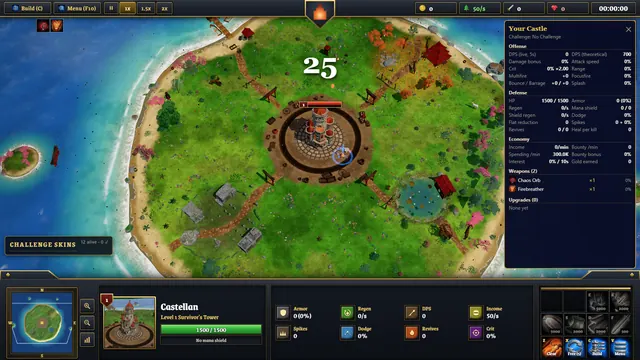
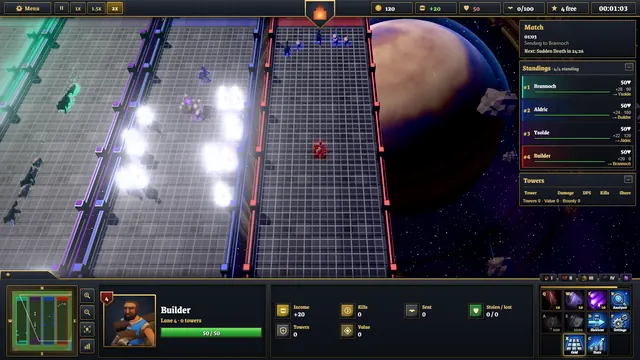
A new match interface: compact dark panels with gold trim, a scoreboard at the top, the minimap and a command card at the bottom.
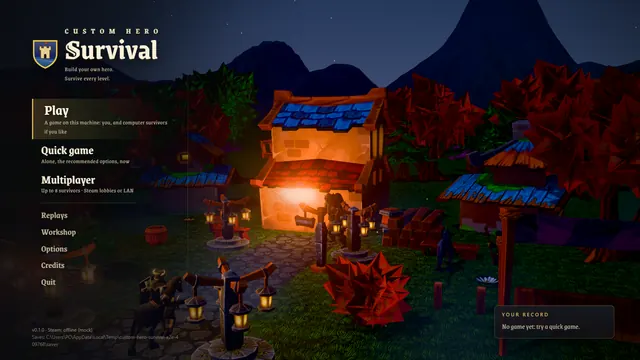
A main menu that never sits still: the background cycles through short living scenes (clashes, sieges, marches, night watches), different every time.
Music that changes with each faction and arena, war cries, a herald and the sound of the army on the march.
Saving video from the Highlights reel.
Looks: water reflections, grass that bends under the troops, light shafts, colors that follow the arena, the hour and the weather, rare events like auroras, sandstorms, eclipses and meteor showers, and wildlife that flees the fight.
Accessibility: captions that show where each sound comes from, and six colorblind-safe team palettes.
Clearer tooltips: the numbers that matter in color, side cards that explain attack types and spells, and a "miss" text when an attack misses. In the battle setup, hovering a troop or building shows its full tooltip.
The multiplayer screen shows one card per action, each with a short hint.
Fixes
Test builds could close right after launching.
Clicks during a match could be swallowed by the sound captions layer.
Online, both players now always see the same sky, weather and rare events.
A buzzing sound that could get stuck when troops marched near the camera.
The Options window now fits the open tab, and the Save button stays in view.
Oct 02 2026
The First Playable Builds
v0.1.0
The first day of builds: the battle itself, and most of what surrounds it.
New
The battle. Build in your territory; every building trains its own troops, and they march down the lanes and fight on their own. Destroy the enemy castle to win.
Fourteen factions, each with its own buildings, troops and upgrade paths.
Six arenas, including the walled Citadel Ring, with a road that loops behind both castles.
Attack and armor types. Every attack is strong against some armors and weak against others, and the tooltips tell you which.
A real sky: sun, moon phases and stars, day and night, rain and snow. Storms warn you about 20 seconds before they hit.
Training: five short lessons and a proving battle that teach by playing.
Online 1v1 through Steam: rooms, invites through the Steam overlay, rematch and emotes (F1 to F4).
Replays: your last 30 matches are saved automatically, with playback from 0.5× to 8×.
Highlights: the best 30 to 60 seconds of every match, picked automatically, with the castle's fall in slow motion.
Profile: your match history, wins by faction, arena and opponent, streaks and your favorite faction.
Result screen: your numbers next to your opponent's, your best counter, your most valuable building and charts of the whole match.
The tug-of-war rope at the top of the screen shows where the front line of each lane is, and the minimap shows the ground each side has gained.
Steam: 17 achievements, what you are doing in your friends list, and your settings, progress and profile saved in Steam Cloud.
English, alongside Portuguese.
A living battlefield: birds, people in the camps, footprints in snow and sand, ambient sounds that follow the hour, the weather and the arena, and ground that wears down where the armies march.
Options
Rotate the camera with , and .; the compass on the minimap brings back the default view. Camera bookmarks: save a view with Ctrl+F5 to F8, jump back to it with F5 to F8.
Window mode and size, FPS cap and V-sync. The game now opens in a maximized window.
Full key remapping, interface size, a colorblind palette, reduced motion, lightning flashes (normal, soft or off) and weather effects (high, reduced or off).
Fixes
Jumping back in a replay is now almost instant. In a long match it used to take up to 25 seconds.
A building walled in by other buildings no longer spawns troops stuck in place: they wait for a free way out.